How to download the Paotang app for Pan Suk travel and receive 600 THB per day
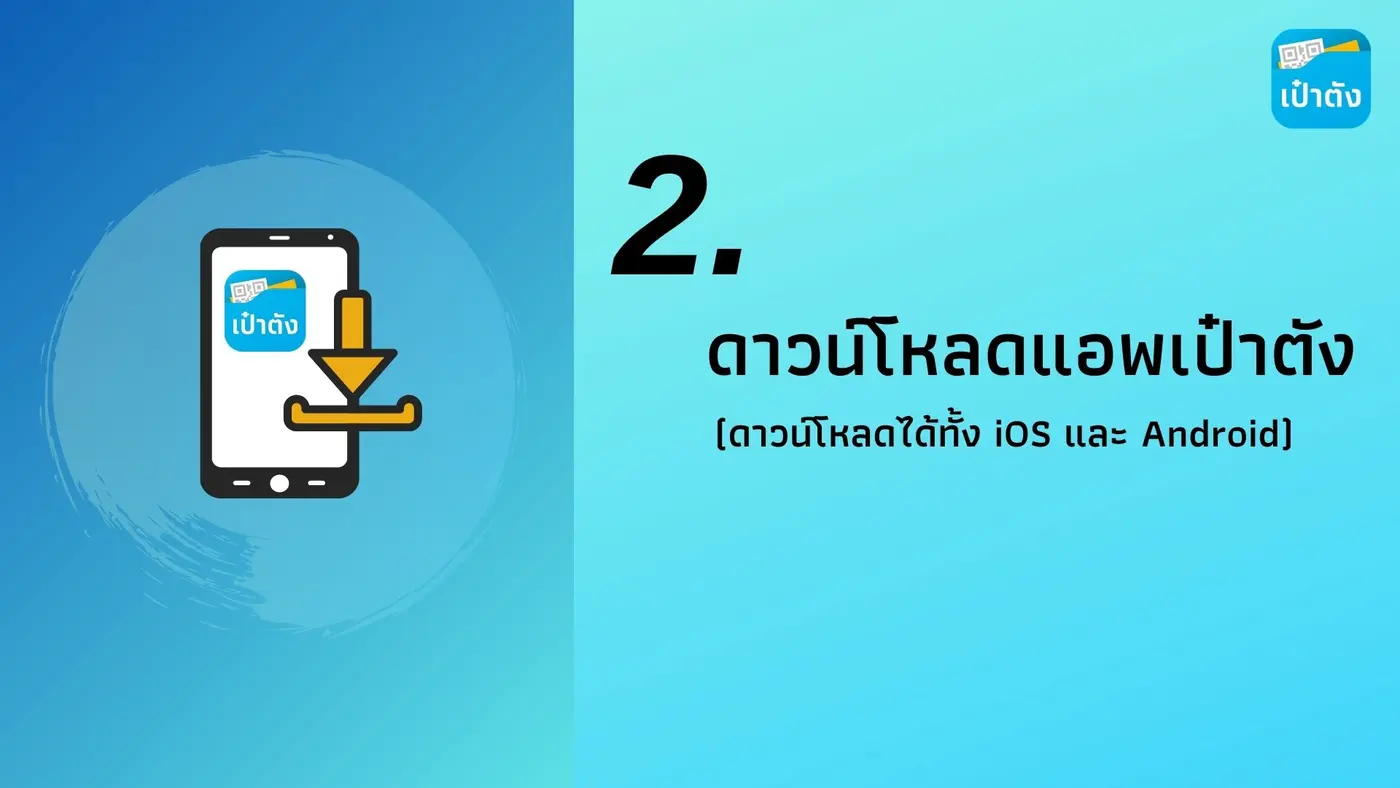
• Download the Paotang (G-Wallet) application and install it on your phone
• When you open the app, a message "Get a new Paotang wallet" will appear. Tap Next
• Then enter your phone number to receive an OTP code
• When you receive the code by SMS, enter it to verify your identity
• Tap to accept the terms of use
• Set a 6-digit PIN to use for making payments through the Paotang app

Pan Suk Travel registration: check who is eligible, latest scheme with a 3,000 package per person
Download >>> Paotang app (Android)
Download >>> Paotang app (iOS)
Planning it yourself?
What independent travellers usually book before they go, from providers that actually work

Thai language, pay in baht
 Photo: Nopparat thanatawan · CC BY-SA 4.0 · Wikimedia Commons
Compare many rental companies on one page

Popular with Thai travellers, Thai-language pages

Museum and landmark tickets, ready on your phone
Partner links · we may earn a small commission when you book, your price stays the same
Let Rin design a trip for your group