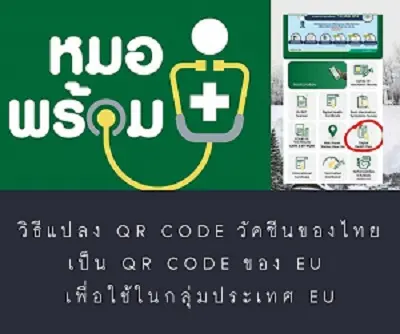
1. Open the Mor Prom app
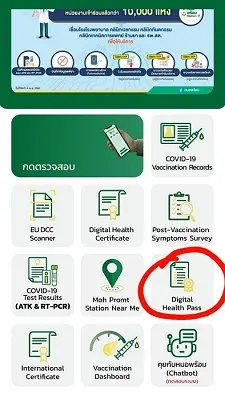
2. Tap the Digital Health Pass menu
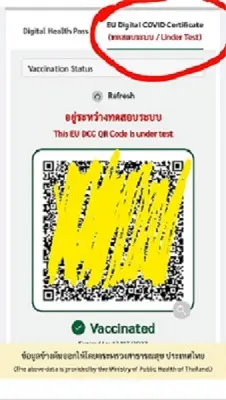
3. Tap the EU Digital Covid Certificate menu
You will then receive the EU version of the QR CODE for use in EU countries.
You can show this QR CODE to use it in EU countries.
NOTE :
If you wish, you can also convert this QR CODE to use through the Green Pass EU app.
The steps to convert the QR CODE into the Green Pass EU app are as follows:
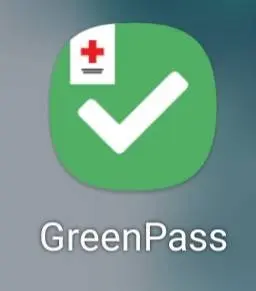
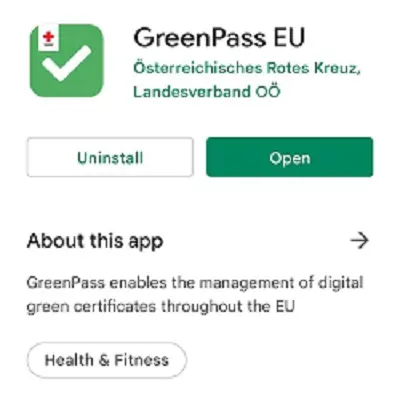
1. Download the GreenPass EU app
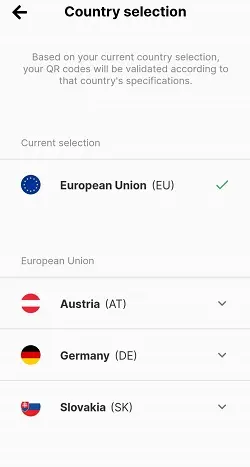
2. You can choose to convert it for several options as you wish,
namely European Union (EU) /Austria/Germany/Slovakia
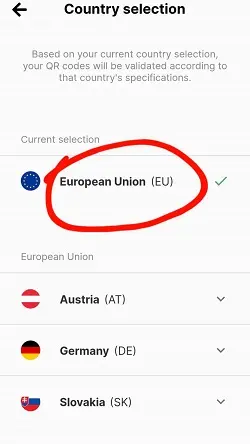
3. If you want to convert it to European Union (EU), tap the European Union (EU) menu
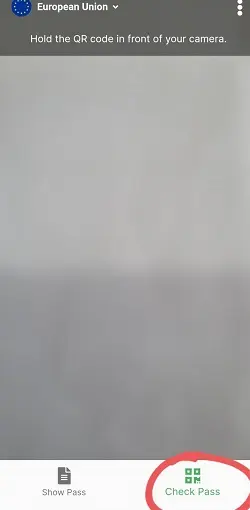
4. Tap the Check Pass menu to scan the EU version of your Thai vaccine QR CODE
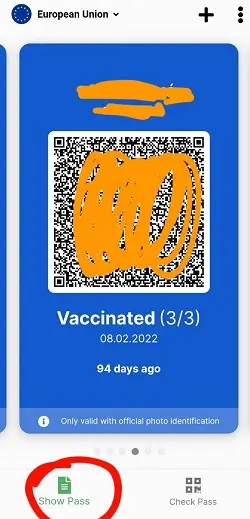
5. When the QR CODE has been scanned successfully, you will get a QR CODE like this picture.
Or tap the Show Pass menu to display the QR CODE
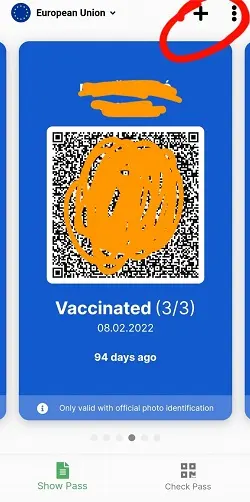
Note: You can add the data for every dose, or add vaccine data for other people,
by tapping the plus icon in the top corner, as shown in the example picture.
Then scan the QR CODE of the vaccine dose you want to add.
Related content:
Interested in a private tour of Europe? Check out our Europe tour programs
Planning it yourself?
What independent travellers usually book before they go, from providers that actually work

Compare hotels in every city, many with free cancellation

Compare every airline from Bangkok and pick your own destination city
Data from the moment you land

A delay of over 3 hours on a European flight can mean up to 600 euros per person
Partner links · we may earn a small commission when you book, your price stays the same
Let Rin design a trip for your group